
The Ultimate Guide to QuickBG's Image Processing Tools
Explore QuickBG's complete suite of free image processing tools including background removal, resizing, cropping, color adjustment, and batch processing.
Introduction
QuickBG started as a simple background removal tool, but it has evolved into a comprehensive image processing platform. Today, QuickBG offers a full suite of editing tools that rival expensive desktop software, all accessible from your browser for free.
Tool Overview
| Tool | Primary Use | AI Powered | Batch Support |
|---|---|---|---|
| Background Remover | Remove image backgrounds | Yes | Up to 50 images |
| Background Replacement | Replace with custom backgrounds | Yes | Up to 50 images |
| Background Blur | Add blur effects | Yes | Up to 50 images |
| Image Resizer | Change image dimensions | No | Up to 100 images |
| Image Cropper | Crop to specific ratios | No | Up to 100 images |
| Image Adjustments | Brightness, contrast, saturation | No | Up to 100 images |
| Sharpness Tool | Enhance image clarity | AI-enhanced | Up to 100 images |
| Format Converter | Convert between image formats | No | Up to 100 images |
Background Removal and Replacement
QuickBG's core strength lies in its AI-powered background removal. The background remover uses deep learning models trained on millions of labeled images.
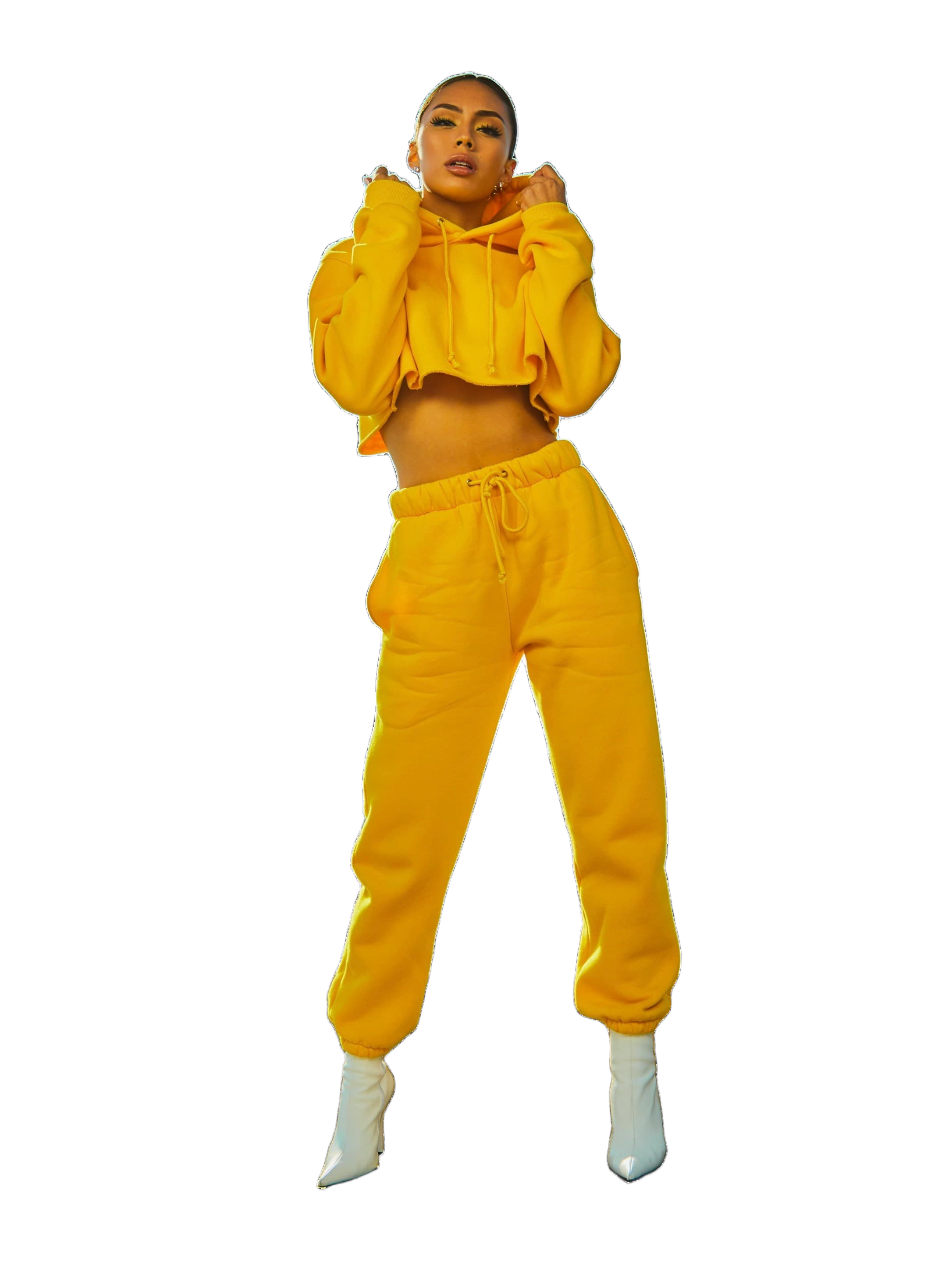
Image Resizing and Cropping
| Platform | Recommended Size | Crop Preset |
|---|---|---|
| Instagram Square | 1080x1080 | 1:1 |
| Facebook Cover | 1640x624 | Custom |
| YouTube Thumbnail | 1280x720 | 16:9 |
| Product Photo | 1000x1000 | 1:1 |
| Blog Header | 1200x630 | Custom |
Batch Processing
One of QuickBG's most powerful features is batch processing. The batch tools page lets you apply any combination of operations to multiple images simultaneously.
Choosing the Right Workflow
- E-commerce: Remove background with remover, resize to 1000x1000 with resizer, convert to WebP with converter
- Portrait photography: Remove background, add blur with blur tool, adjust exposure with adjustments
- Social media: Crop to platform dimensions with cropper, replace background via replacement
Visit the about page to learn more about QuickBG's mission, or check the FAQ for answers to common questions.