
10 Ways to Use Transparent PNGs for Amazon & Etsy Listings
Transparent PNGs are a secret weapon for marketplace sellers. Here are ten ways to improve your listings with clean cutouts.
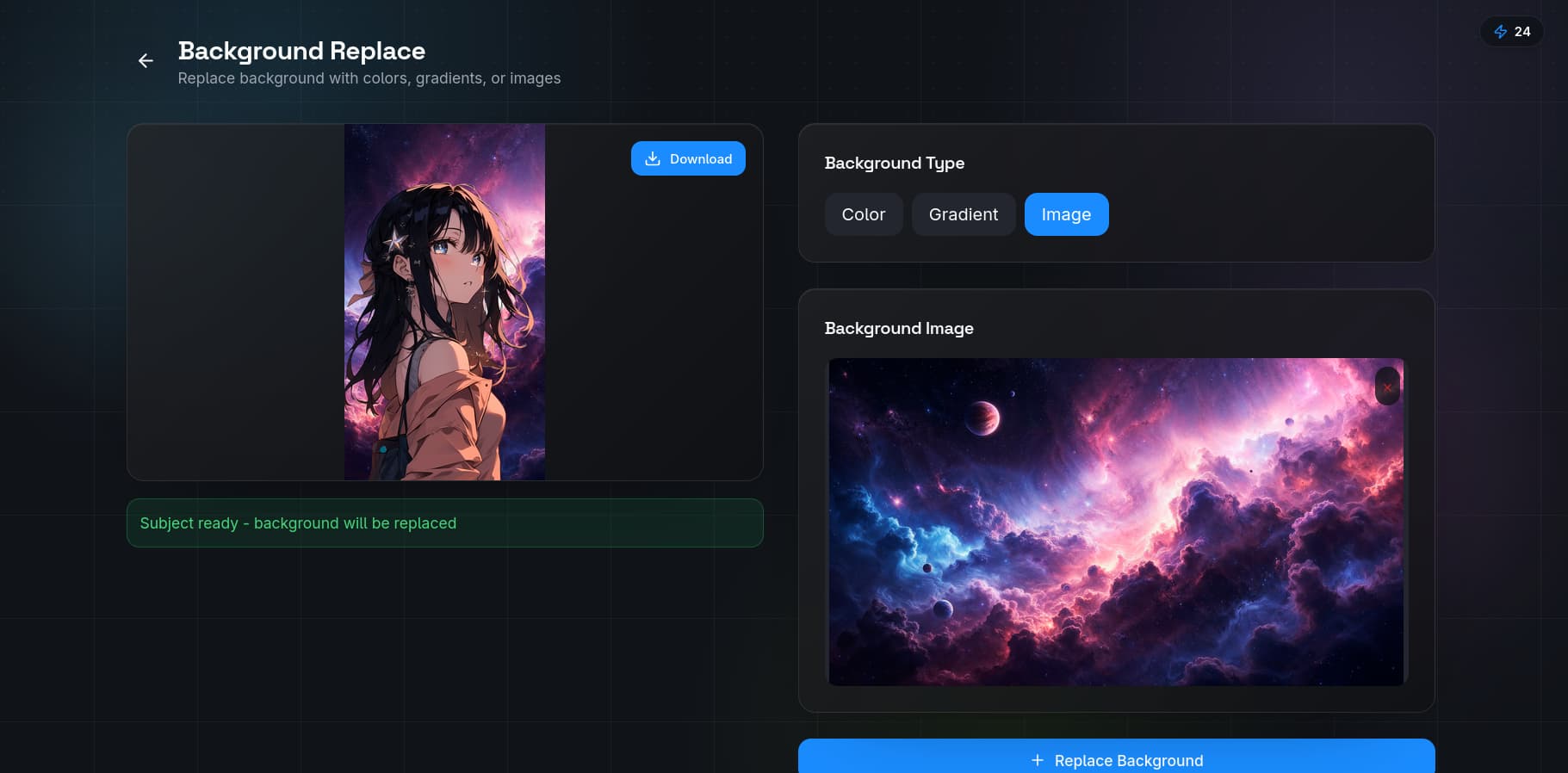
If you sell on Amazon or Etsy, you already know that listing quality directly affects conversion rates. One of the simplest upgrades you can make is switching to transparent PNGs for your product images. Here are ten practical ways to use them.
1. Consistent Brand Aesthetics
When all your products share a transparent background, you can place them on the same branded backdrop — a consistent color, gradient, or lifestyle scene — without re-shooting. This creates a cohesive storefront that builds trust with buyers. Use QuickBG's background replacer to apply the same backdrop across your entire catalog.
2. A+ Content That Pops
Amazon's A+ Content module lets you mix text and images in custom layouts. Transparent product cutouts integrate seamlessly into these designs without white boxes or awkward edges. Your product floats naturally beside bullet points, feature callouts, and comparison charts.
3. Etsy Mockups and Collages
Etsy buyers love seeing products in context. With transparent PNGs, you can overlay your item onto lifestyle mockups — a ceramic mug on a wooden table, a necklace on a velvet bust — without spending hours masking. Drop the PNG onto any background image and it fits instantly.
4. Infographic-Style Comparison Charts
Comparison charts that show your product versus competitors are powerful conversion tools. Transparent cutouts let you arrange multiple products side by side in a clean grid, each perfectly isolated, with callout lines pointing to features.
5. Social Media Promotions
Listing images should not live only on the marketplace. Use the same transparent PNGs for Instagram posts, Pinterest pins, and Facebook ads. A consistent visual style across channels reinforces brand recognition. Process images through QuickBG's smart crop to get the right aspect ratio for each platform.
6. Bundle Images
When you sell bundles, you need to show every item in the set. Transparent PNGs let you arrange multiple products in a single composite image — each item placed exactly where you want it — without fighting background colors or visible edges.
7. Size and Scale Visualizations
Show your product's size by placing it next to a familiar object (a coin, a hand, a phone). Transparent cutouts make these comparison shots look professional because the subject cleanly overlaps the reference object without clipping artifacts.
8. Seasonal Promotions
Swap your product images from standard white backgrounds to seasonal themes (holiday patterns, seasonal colors) in minutes. Since the cutout is already transparent, you only need to change the backdrop layer — no re-editing required.
9. Enhanced Search Thumbnails
Amazon's search results display thumbnails at small sizes. A clean, isolated product with a consistent background stands out more than a cluttered scene. Transparent PNGs processed through QuickBG's sharpness tool ensure edges remain crisp even at thumbnail sizes.
10. Returns and Refund Displays
When a customer returns an item and the photo does not match the listing, disputes arise. Transparent-backed listing images set a clear expectation of what the product looks like, reducing confusion about color, shape, and condition.
The workflow is straightforward: upload your image to QuickBG's background remover, download the transparent PNG, and drop it into your listing template. Repeat for your entire catalog and watch the consistency improve your conversion rate.