
The Science of Image Resolution: DPI, PPI, and Why Size Matters
Understand the critical difference between DPI and PPI, how resolution affects print and web quality, and why resizing images correctly makes or breaks your projects.
Image resolution is one of the most misunderstood concepts in digital imaging. Many people use DPI and PPI interchangeably, but they refer to fundamentally different things. Whether you are preparing an image for print using our resize tool or optimizing web graphics with the converter, understanding resolution science is essential.
DPI vs PPI: The Fundamental Difference
DPI (Dots Per Inch) refers to the number of ink droplets a printer places per inch of paper. It is a property of the output device, not the image file. PPI (Pixels Per Inch) refers to the number of pixels in an image per inch of display.
| Term | Stands For | Applies To | Typical Value |
|---|---|---|---|
| DPI | Dots Per Inch | Printers | 300-1200 |
| PPI | Pixels Per Inch | Screens and files | 72-300 |
| LPI | Lines Per Inch | Print halftones | 50-200 |
| MP | Megapixels | Camera sensors | 8-100 |

How Resolution Affects Output Quality
Print Resolution
For high-quality printing, the standard rule is 300 PPI at the target print size. A 3000x2400 pixel image at 300 PPI produces a 10x8 inch print.
Recommended PPI for different print applications:
- 300 PPI: Magazines, photo books, fine art prints
- 240 PPI: Brochures, flyers, high-quality marketing materials
- 150 PPI: Large format posters (viewed from distance)
- 72 PPI: Billboards (viewed from very far away)
Web Resolution
Web images use PPI only for display sizing. A 72 PPI image renders at the same pixel dimensions as a 300 PPI image on screen.
Image Dimensions and File Size
| Dimensions | Megapixels | 8-bit RGB (uncompressed) | JPEG (quality 90) | PNG |
|---|---|---|---|---|
| 1920 x 1080 | 2.1 | 6.2 MB | 350 KB | 2.1 MB |
| 3840 x 2160 | 8.3 | 24.9 MB | 1.2 MB | 7.8 MB |
| 6000 x 4000 | 24.0 | 72.0 MB | 3.5 MB | 22.5 MB |
Resizing and Resampling
Resizing changes the PPI metadata without changing pixel dimensions. Resampling actually adds or removes pixels.
Interpolation Algorithms
- Nearest Neighbor: Fastest, pixelated results. Good for pixel art
- Bilinear: Moderate quality, moderate speed
- Bicubic: Better quality, slower. Best for photographs
- Lanczos: Highest quality, slowest. Ideal for downsampling
- AI-based: Uses deep learning to add detail when upscaling
Our sharpness enhancer and resize tool use Lanczos interpolation with an optional AI upscaling mode.
Resolution and Background Removal
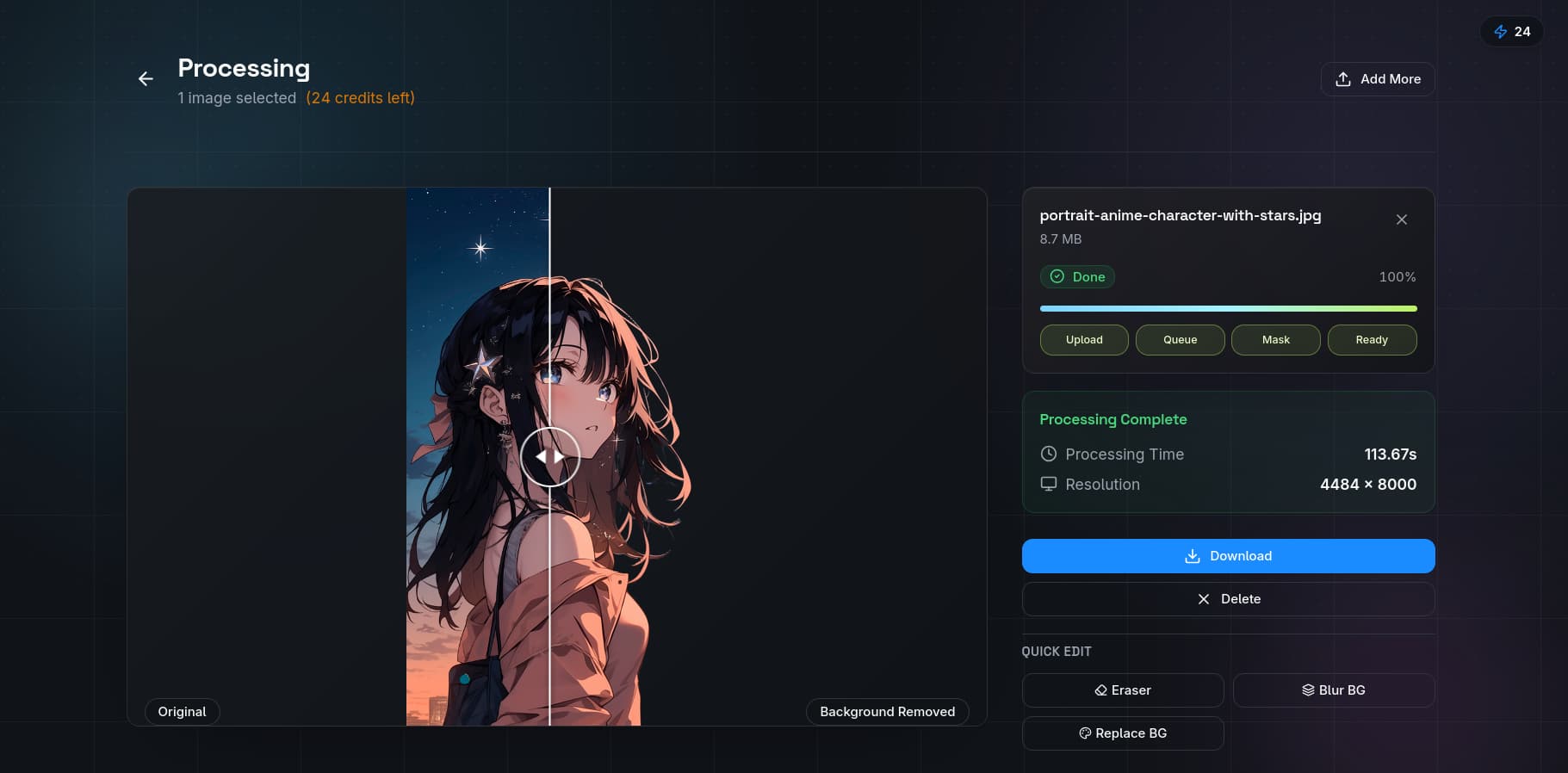
Resolution plays a critical role in background removal quality:
- Low resolution (under 1 MP): Insufficient detail for accurate edge detection
- Medium resolution (2-8 MP): Ideal balance of quality and processing speed
- High resolution (12+ MP): Best accuracy but slower processing
Higher resolution images provide more pixel data for AI matting models like BiRefNet and MODNet.
The QuickBG Approach
Our resize tool and adjust tool handle resolution intelligently:
- Automatic PPI detection from image metadata
- Smart cropping with the crop tool that preserves resolution
- Batch processing for multiple images at different resolutions
- Format-specific optimization (WebP for web, TIFF for print, PNG for transparency)
For common questions about image resolution and file formats, visit our FAQ page. Learn more about our technology on the about page.