
2026-06-08
QuickBG vs Canva: Background Removal and Editing Compared
A detailed comparison between QuickBG and Canva for background removal and image editing, covering pricing, features, and output quality.
Introduction
Canva has become a household name for graphic design, but its background removal tool is locked behind a paid subscription. QuickBG offers similar functionality completely free, plus a suite of dedicated image editing tools.
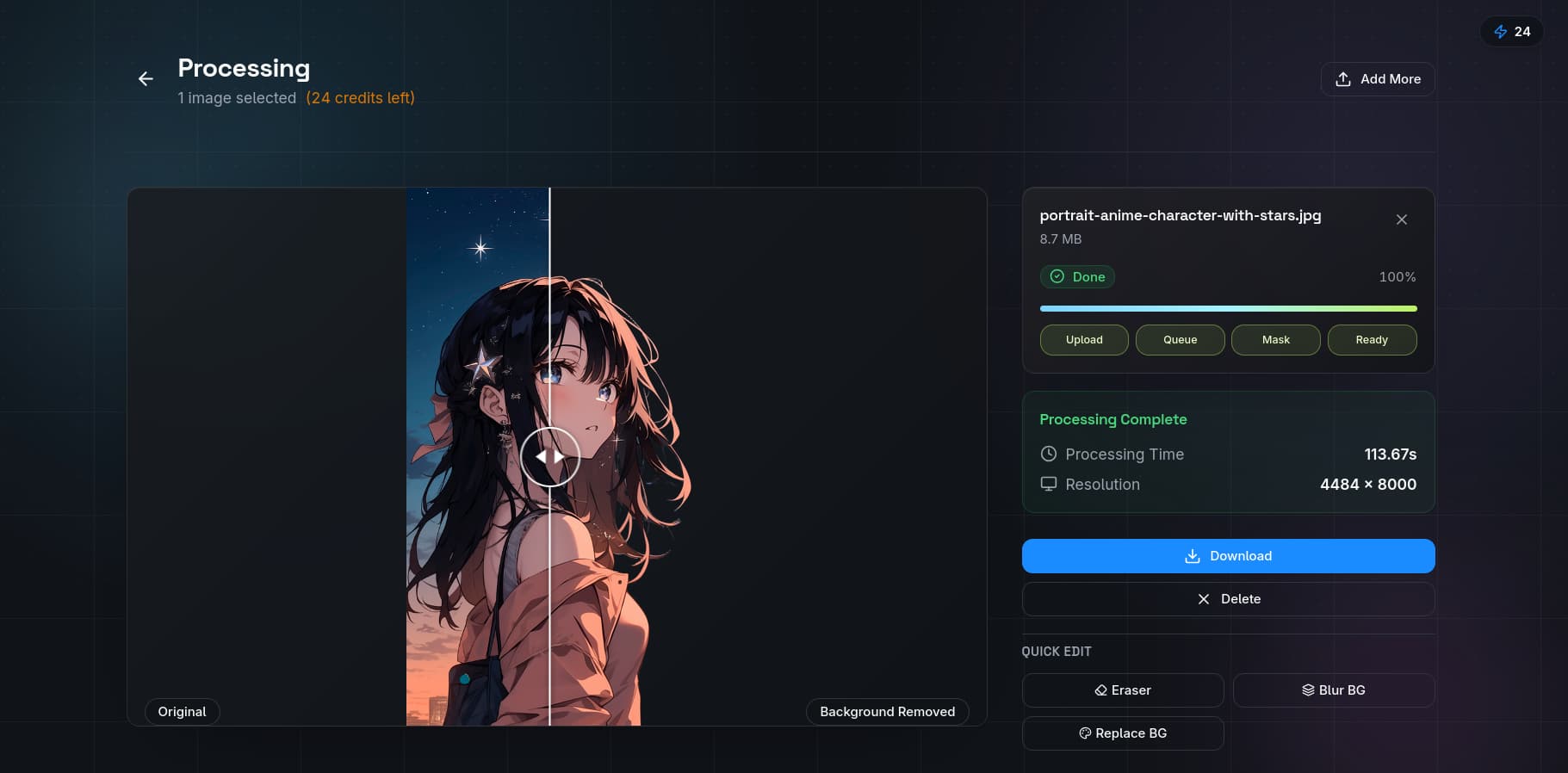
Pricing Comparison
| Feature | QuickBG | Canva |
|---|---|---|
| Free Background Removal | Unlimited, up to 5MP | Not available (Pro only) |
| HD Downloads | Free with account | Pro subscription required |
| Monthly Cost | $9.99 (unlimited) | $12.99 per person (Pro) |
| Free Image Editing | Full suite included | Limited basic tools |
| Batch Processing | Up to 50 images | Not available |
Background Removal Quality
| Quality Metric | QuickBG | Canva |
|---|---|---|
| Hair detail preservation | Excellent | Good |
| Edge smoothness | Excellent | Good |
| Complex background handling | Excellent | Fair |
| Transparency output | Native PNG with alpha | PNG with alpha (Pro only) |
| Processing speed | 2-3 seconds | 5-8 seconds |

Feature Comparison
QuickBG's dedicated tools:
- Background removal
- Background replacement
- Background blur
- Image resizing
- Cropping
- Color adjustments
- AI sharpness
- Format conversion
Canva's design features:
- Thousands of templates
- Stock photo library
- Text and typography tools
- Animation and video editing
- Team collaboration
Verdict
Choose QuickBG for fast, accurate background removal without a subscription. Choose Canva if you need a full design platform. For most users, the best approach is to use QuickBG for background removal and import results into Canva. Visit our comparison page or check the FAQ.