
How to Create Amazon-Approved Product Images with AI
Learn how to meet Amazon's strict image requirements using AI background removal and editing tools.
Amazon Image Requirements in 2026
Selling on Amazon means competing with millions of listings. The difference between a click and a scroll-past often comes down to your product images. Amazon has strict technical requirements for product photography, and failing to meet them can get your listing suppressed or lose the Buy Box.
Amazon requires the main image to use a pure white background (RGB 255, 255, 255). The product must fill at least 85% of the frame. No text, logos, watermarks, or props are allowed on the main image. Secondary images can show the product in use, include infographics, or highlight dimensions.
Here is a complete breakdown of the official Amazon image requirements:
| Requirement | Main Image | Secondary Images |
|---|---|---|
| Background | Pure white (RGB 255,255,255) | Any context-appropriate background |
| File Format | JPEG or PNG | JPEG, PNG, GIF |
| Color Mode | sRGB or CMYK | sRGB or CMYK |
| Longest Side | At least 1,000 px | At least 1,000 px |
| Product Fill | 85% of frame | No minimum |
| Zoom Capability | Required (2,000+ px recommended) | Recommended |
Traditional Method vs AI-Powered Background Removal
Historically, sellers had two options: hire a professional photographer or spend hours manually cutting out backgrounds in Photoshop. Both approaches are expensive and time-consuming. AI-powered tools have changed the game entirely.
| Factor | Traditional Photoshop | AI Background Removal |
|---|---|---|
| Time per image | 5-15 minutes | 5-15 seconds |
| Cost per image | $5-$25 (professional retouching) | Near zero with automation |
| Skill required | Expert-level Photoshop knowledge | No experience needed |
| Edge quality on hair/fur | Depends heavily on skill | Consistently precise |
| Batch processing | Manual, one image at a time | Bulk upload and process |
| Consistency across catalog | Varies by image and editor | Uniform output every time |
Step-by-Step Workflow for Amazon-Ready Images
- Shoot your product on any clean, well-lit background. Even lighting matters more than the backdrop itself.
- Upload to QuickBG and let the AI remove the background automatically in seconds.
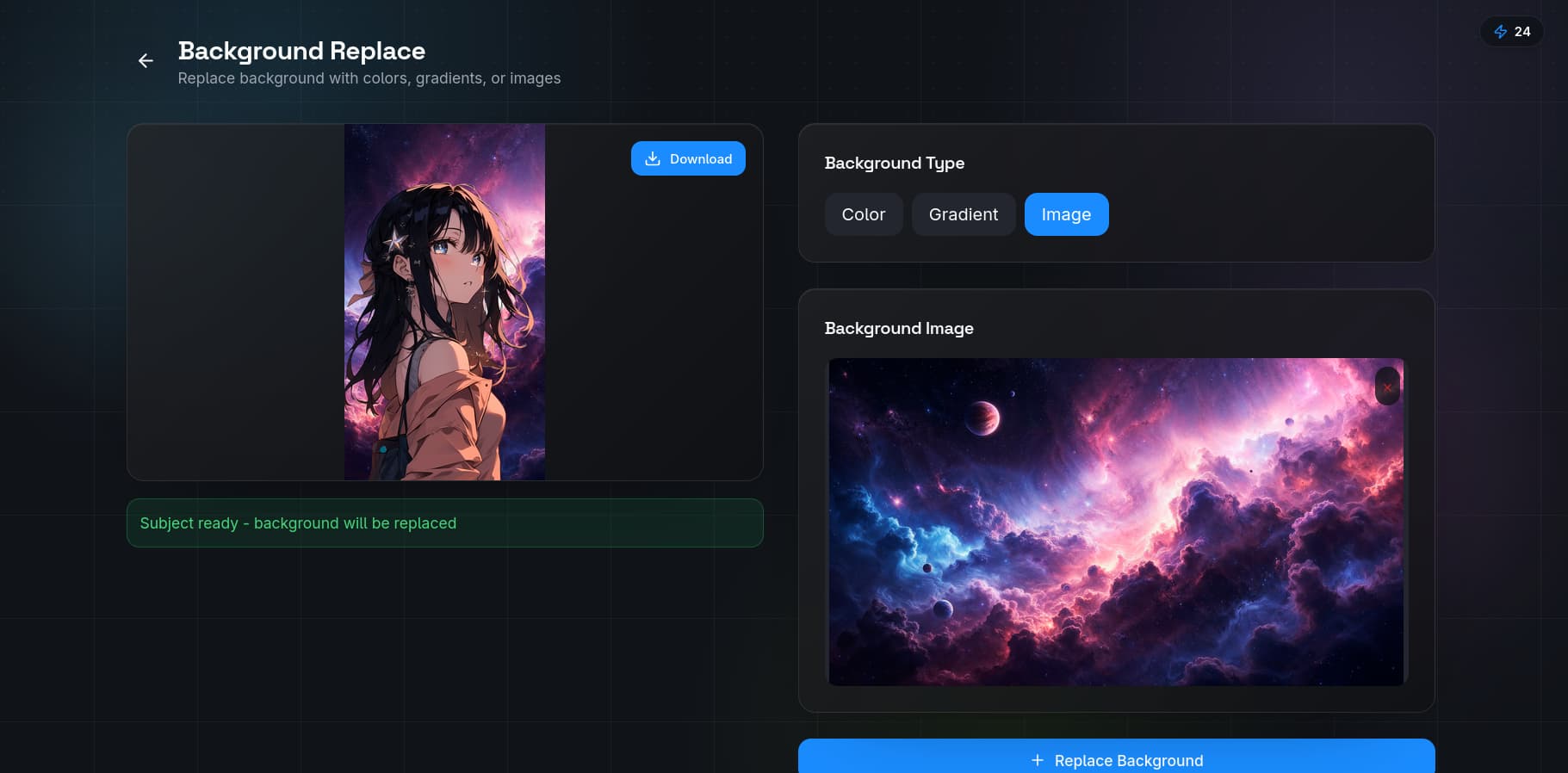
- Select pure white as your replacement background using the background replacement tool for the main image.
- Download at 2,000+ pixels on the longest side for maximum zoom quality.
- Create lifestyle variants with context-appropriate backgrounds for secondary images.
- Use the adjust tool to fine-tune brightness, contrast, and color balance to match Amazon's color mode standards.
Why Image Quality Drives Amazon Sales
Amazon's A9 algorithm rewards listings with high-quality images by boosting their search ranking. According to Amazon's own data, listings with seven or more images see conversion rates up to 10% higher than those with just one or two images. The main image is your single most important sales asset — it appears in search results, category pages, and the product detail page.
AI-powered editing like QuickBG's background remover makes it possible for any seller, regardless of budget, to produce professional-grade images that meet Amazon's strict standards. You no longer need a photography studio or a retouching expert to compete with top brands.
Common Mistakes to Avoid
- Using off-white backgrounds — Amazon's system can detect non-pure-white values and suppress your listing
- Including text or logos on the main image — this violates Amazon's terms and can result in image suppression
- Uploading images under 1,000 pixels — the zoom feature will not activate, hurting conversion
- Inconsistent lighting across your catalog — makes your brand look unprofessional
Ready to optimize your Amazon listings? Start with free background removal and see the difference professional images make for your sales.