
2026-05-22
How to Convert Images Between Formats: PNG, JPG, WebP, AVIF Comparison
A comprehensive guide to converting images between PNG, JPG, WebP, and AVIF formats with detailed quality and file size comparisons.
Introduction
Image format conversion is a fundamental skill for anyone working with digital images. Whether you are optimizing a website, preparing print materials, or building an application, choosing the right format directly impacts quality, file size, and loading speed.
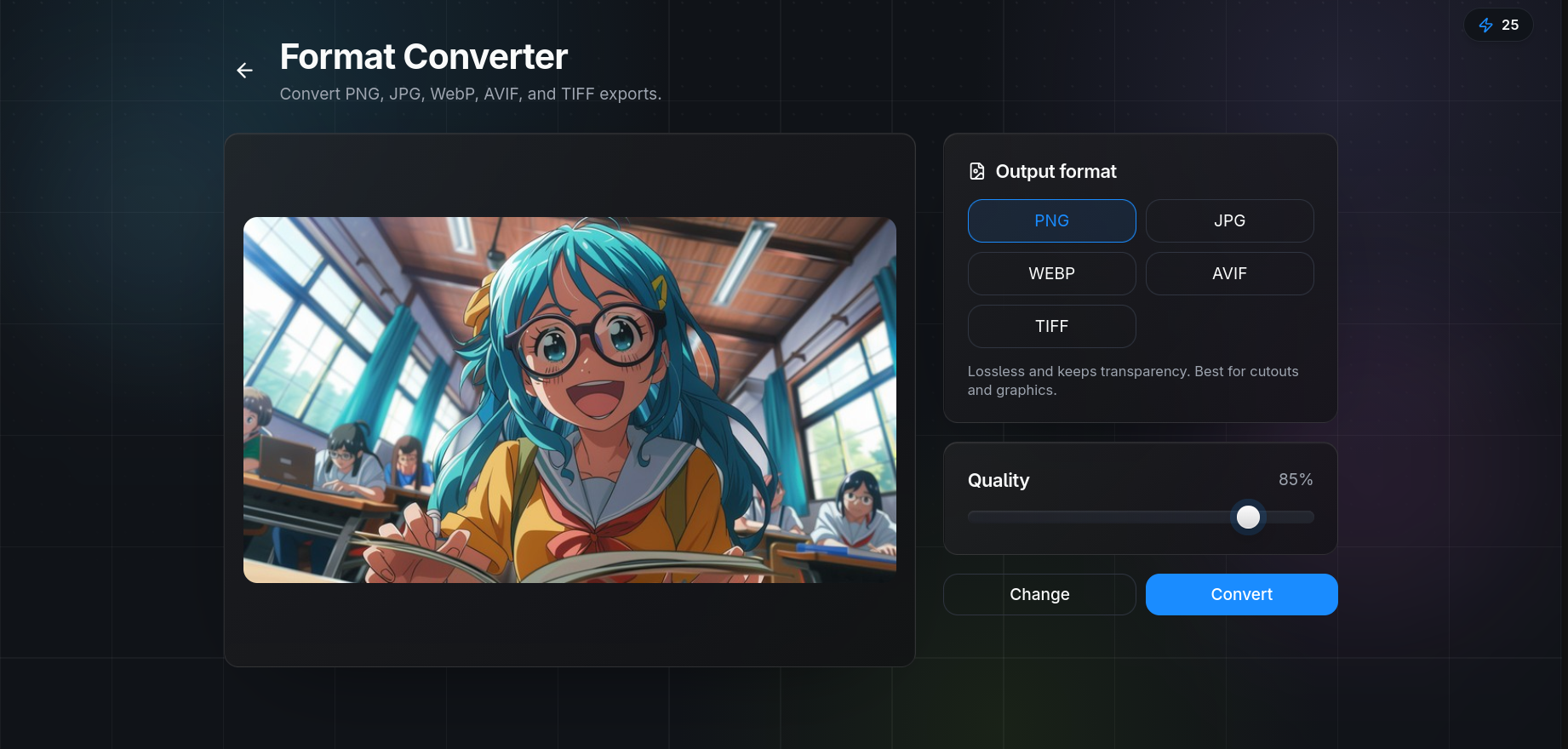
QuickBG's free image converter supports seamless conversion between all major formats including PNG, JPG, WebP, and AVIF.
Format Characteristics
| Property | PNG | JPG | WebP | AVIF |
|---|---|---|---|---|
| Compression Type | Lossless | Lossy | Lossy and Lossless | Lossy and Lossless |
| Transparency Support | Yes | No | Yes | Yes |
| Animation Support | No | No | Yes | Yes |
| Browser Support | Universal | Universal | 96% of browsers | 84% of browsers |
| Color Depth | Up to 48-bit | 24-bit | Up to 24-bit | Up to 12-bit HDR |
Real-World File Size Comparison
| Format | Quality Setting | File Size | Size vs PNG |
|---|---|---|---|
| PNG | Lossless | 2.45 MB | Baseline |
| JPG | 85% | 520 KB | 79% smaller |
| WebP | 85% | 340 KB | 86% smaller |
| AVIF | 85% | 280 KB | 89% smaller |
When to Use Each Format
- PNG: Images that require transparency, such as logos, icons, and screenshots. Use with background removal to create cutout images.
- JPG: Most universally compatible format for photographs. Ideal for email, social media, and legacy apps.
- WebP: Best all-around format for modern websites. Excellent compression with broad browser support.
- AVIF: Future-proof choice for bandwidth-limited applications.
How to Convert Using QuickBG
- Upload your image to the converter tool
- Choose your target format
- Adjust the quality slider
- Optionally apply cropping or color adjustments
- Download instantly
Best Practices
- Always keep lossless originals archived
- Use sharpness enhancement when downscaling before conversion
- Match dimensions to display size using resize tool
- Consider AVIF for hero images where first impressions matter
Visit the FAQ for troubleshooting tips or the tools page for our complete suite.