How to Build an Image Processing Pipeline for Your Online Store
An automated image pipeline saves hours per week and ensures every product photo is optimized for speed and conversions.
Every product image on your online store is a salesperson. If it loads slowly or looks inconsistent, that salesperson is underperforming. Building an automated image processing pipeline fixes all three problems at once.
Why You Need a Pipeline
Manual image editing works for a 20-product store. When you hit 200 or 2,000 products, it collapses. An automated pipeline delivers:
- Consistent file sizes for faster page loads
- Uniform dimensions for professional appearance
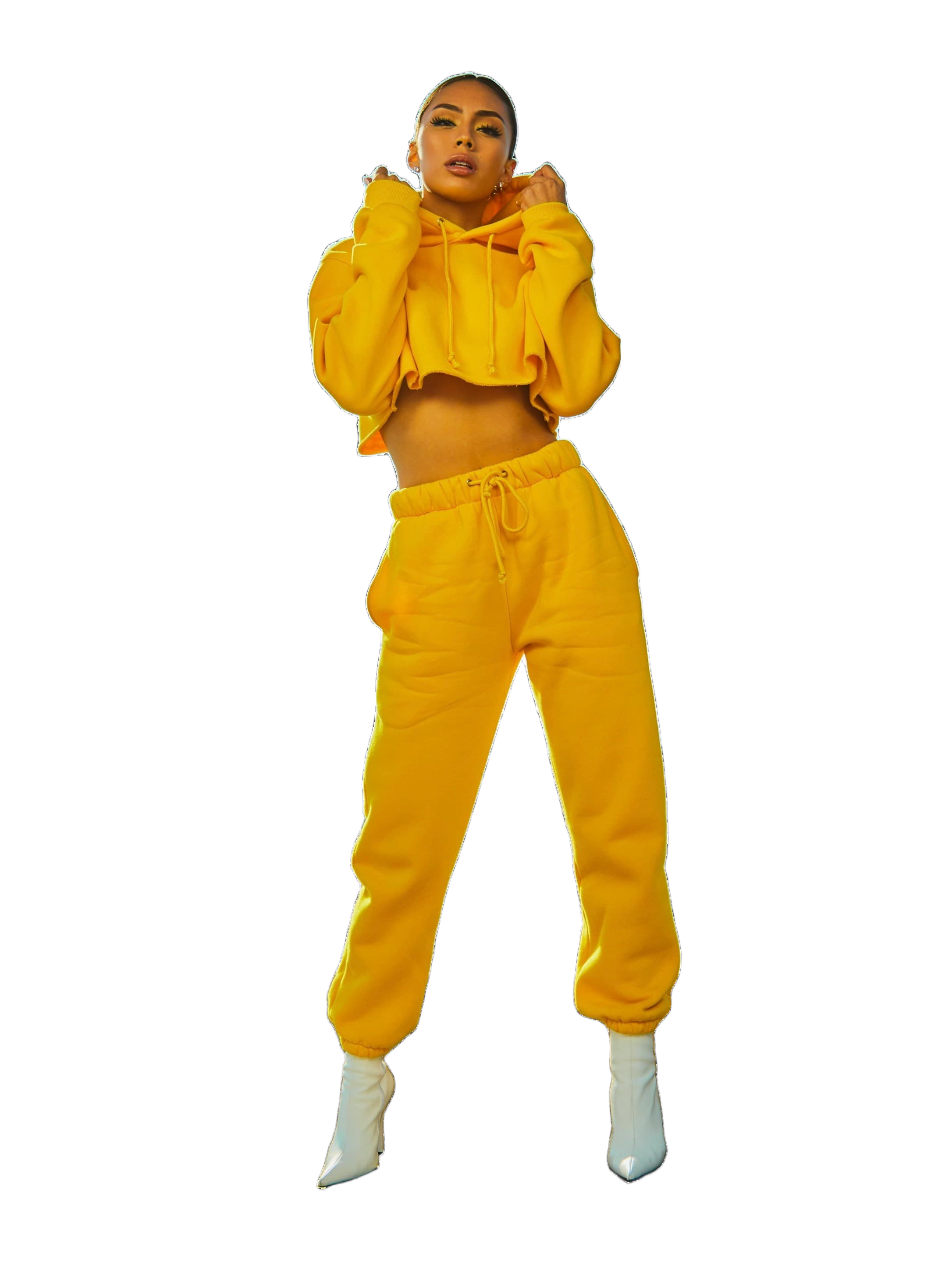
- Background-free product shots
- Multiple format exports (WebP + JPEG)
- Automatic backups
Pipeline Architecture
Stage 1: Ingestion and Validation
| Step | Tool | Purpose |
|---|---|---|
| Upload raw images | QuickBG API | Receive originals |
| Validate resolution | Custom script | Reject images under 1200px |
| Check colour space | ImageMagick | Convert CMYK to sRGB |
| Store original | Cloud storage | Backup |
Stage 2: Background Removal
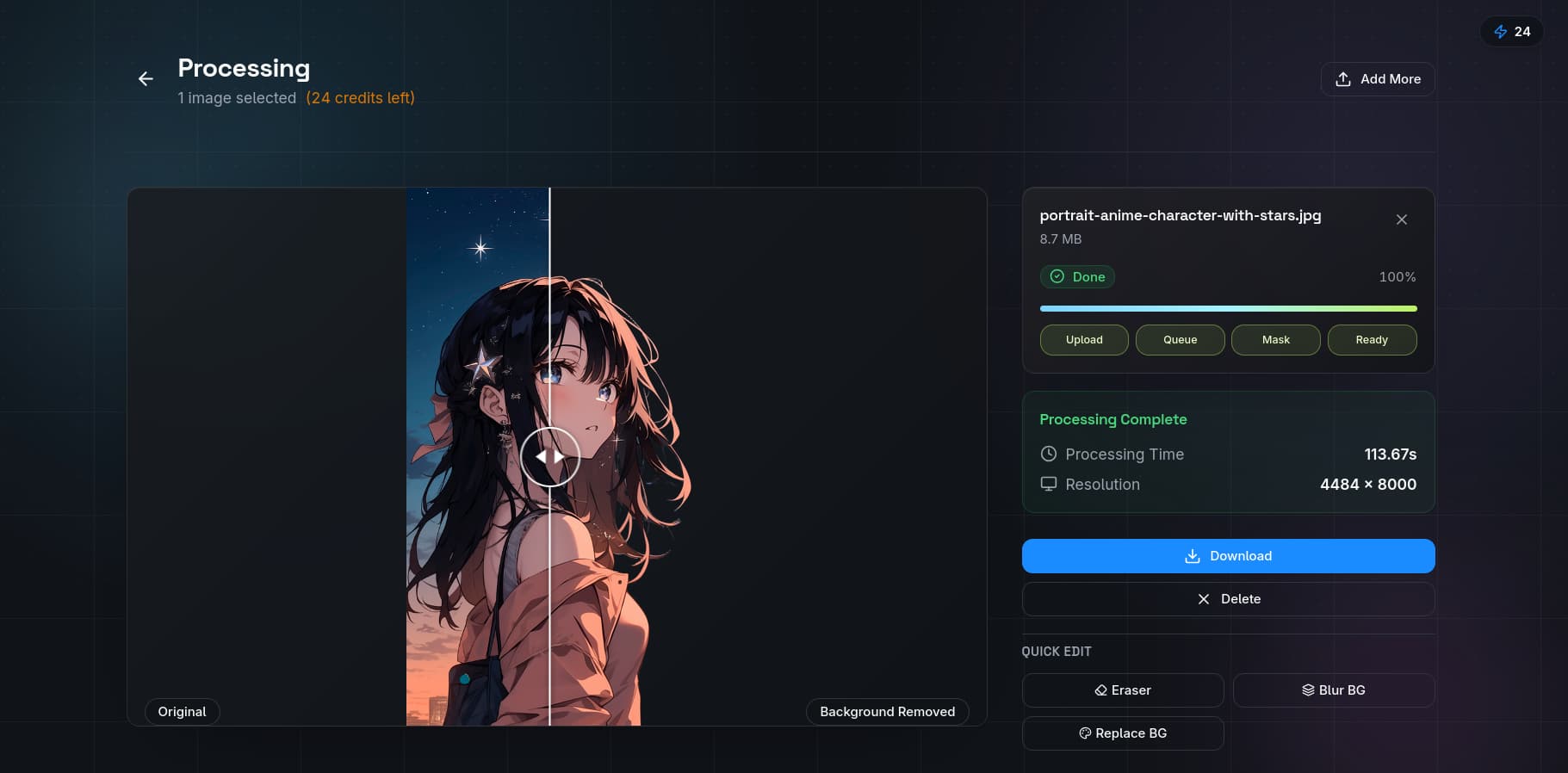
Use QuickBG's background remover. It supports batch processing so you can remove backgrounds from 50 product photos in under two minutes.
Stage 3: Standardization
- Crop to consistent aspect ratio using crop tool
- Resize using resize tool
- Apply sharpening with sharpness tool
- Normalize white balance with adjust tool
Stage 4: Format Optimization
| Format | Use Case | Size Reduction vs TIFF |
|---|---|---|
| WebP | Modern browsers (primary) | 34% |
| JPEG (quality 82) | Legacy browser fallback | 26% |
| AVIF | Cutting-edge performance | 50% |
| PNG | Transparency assets | 12% |
Use converter tool to batch-generate both formats simultaneously.
Comparison: Manual vs Automated
| Task | Manual (100 images) | Automated Pipeline | Time Saved |
|---|---|---|---|
| Background removal | 200 min | 5 min | 195 min |
| Resize and crop | 100 min | 2 min | 98 min |
| Colour correction | 150 min | 3 min | 147 min |
| Format conversion | 50 min | 1 min | 49 min |
| Total | 530 min | 11 min | 519 min |
Tools Mentioned
Background remover, Image resizer, Crop tool, Image adjuster, Sharpness enhancer, Format converter, Plan comparison