
Etsy Shop Optimization: The Role of Image Quality in Conversion
Discover how high-quality product images directly impact Etsy conversion rates and shop visibility.

Why Image Quality Determines Etsy Success
Etsy is a visual marketplace. Shoppers browse millions of handmade goods, vintage items, and craft supplies, and they make buying decisions in fractions of a second. Your product images are the single biggest factor determining whether a browser clicks or scrolls past your listing. In fact, Etsy's search algorithm explicitly favors listings with high-resolution images, multiple angles, and clean backgrounds.
The correlation between image quality and conversion rate on Etsy is well-documented. Sellers who upgrade from smartphone snapshots to edited, professional-looking images see an average 20-40% increase in conversion rates. This is not about having a fancy camera — it is about presentation, consistency, and attention to detail.
Etsy Image Requirements Compared to Other Platforms
| Platform | Recommended Image Size | Max Images | Background Preference |
|---|---|---|---|
| Etsy | 2,000 x 2,000 px (square) | 10 per listing | Clean, light background preferred |
| Amazon | 2,000+ px on longest side | 9 per listing | Pure white for main image |
| eBay | 1,600 x 1,600 px minimum | 24 per listing | White or light background |
| Shopify | 2,048 x 2,048 px recommended | Unlimited | Brand-consistent background |
The Impact of Clean Backgrounds on Click-Through Rate
Etsy buyers are drawn to listings where the product is the clear focal point. A cluttered background distracts the eye and makes your item look less professional. Using background removal to isolate your product creates a clean, focused image that performs better in search results and drives higher engagement.
| Image Quality Factor | Impact on CTR | Impact on Conversion |
|---|---|---|
| Clean white/light background | +15% average | +22% average |
| Multiple angles (4+ images) | +25% average | +30% average |
| Lifestyle/context shot included | +18% average | +27% average |
| Video included in listing | +35% average | +40% average |
| Consistent styling across shop | +12% average | +19% average |
How to Achieve Professional Etsy Images Without a Studio
You do not need a professional photography studio to create stunning Etsy listings. With the right tools and techniques, any seller can produce images that compete with top shops.
Essential Steps for Etsy Image Optimization
Step 1: Shoot with Natural Light. Place your product near a window during daytime. Diffuse harsh sunlight with a white curtain or sheet. Avoid mixing warm and cool light sources.
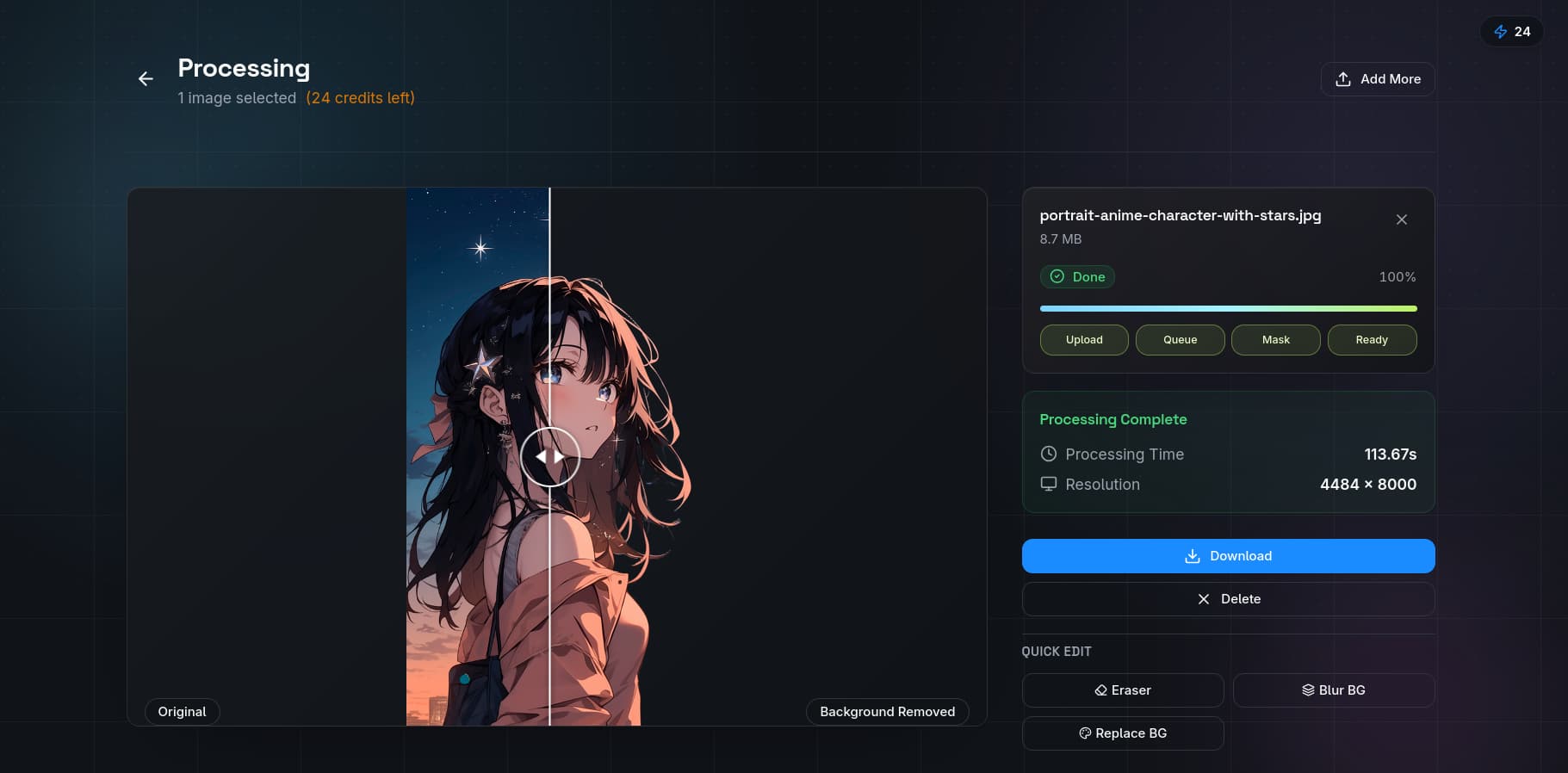
Step 2: Remove Distracting Backgrounds. Upload your photos to QuickBG's background remover and let AI handle the heavy lifting. The tool automatically detects product edges and separates your item from the background with pixel precision.
Step 3: Add a Consistent Background. Use the background replacement tool to apply a consistent color or subtle texture across your entire shop. This creates a cohesive brand look that Etsy rewards.
Step 4: Adjust Lighting and Color. Use the adjust tool to correct exposure, boost contrast, and ensure colors match your actual product. Accurate color representation reduces return rates significantly.
Step 5: Resize for Etsy Standards. The resize tool helps you export images at Etsy's recommended 2,000 x 2,000 pixel square format without losing quality.
How the Etsy Search Algorithm Evaluates Images
Etsy's search algorithm, like Amazon's, takes image quality into account when ranking listings. The algorithm evaluates:
- Resolution — higher resolution images rank better
- Background cleanliness — cluttered or noisy backgrounds hurt performance
- Image count — listings with more images rank higher on average
- File size — overly compressed images with artifacts are penalized
Sellers who invest time in image optimization see compounding benefits. Better images lead to higher click-through rates, which lead to more sales, which lead to better search placement, which leads to even more traffic. It is a virtuous cycle that starts with a single well-edited photo.
Common Etsy Image Mistakes
- Using dark or busy backgrounds that hide product details
- Uploading only one image when Etsy allows up to ten
- Inconsistent image sizing across your shop — looks unprofessional
- Not zooming in — buyers want to see texture and detail
- Ignoring mobile optimization — over 60% of Etsy traffic comes from mobile devices
Transforming your Etsy shop's images does not require a large budget. With AI tools like QuickBG, you can process an entire product catalog in minutes and achieve the consistent, professional look that today's buyers expect.