
Best Practices for E-commerce Product Photos in 2026
Product photography has evolved. Learn the lighting, composition, and editing workflows that produce listing images that sell.
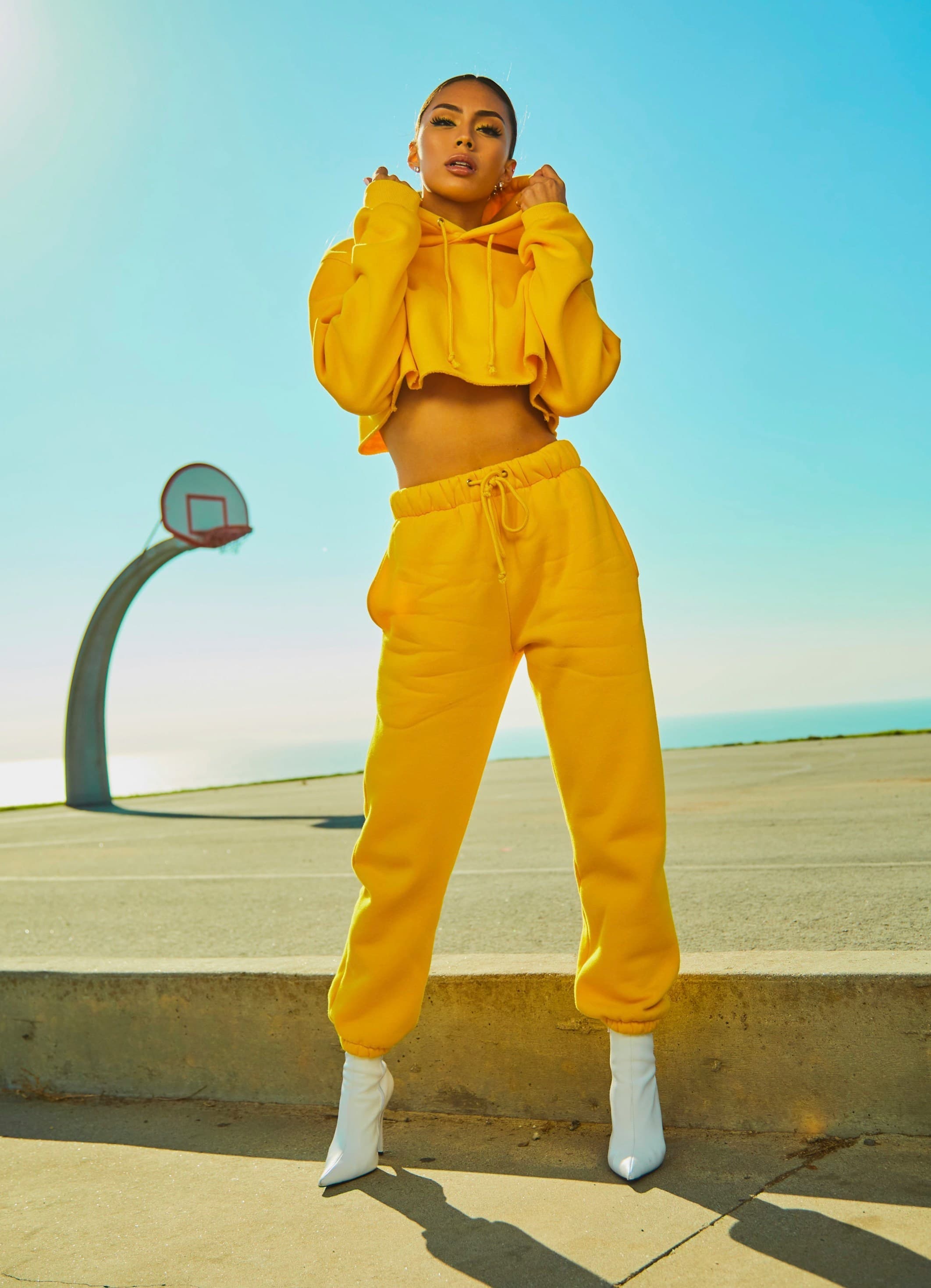
The difference between a product that sells and one that languishes often comes down to the photos. In 2026, buyers expect professional-looking images even from small shops. Here is a complete guide to getting them right.
Lighting Setup
You do not need a studio to shoot good product photos. The key is soft, diffused light that minimizes harsh shadows. Position your product near a large window during daytime, with a white foam board on the opposite side to bounce light back onto shadow areas. This creates the same effect as a two-light studio setup for nearly zero cost.
For consistent results across your catalog, shoot at the same time of day and in the same location. Variations in lighting color and intensity will force you to adjust each image individually during editing.
Choosing the Right Background
Solid white backgrounds are the standard for Amazon and Google Shopping, but they are not always the best choice for every product. For items with white or light-colored edges, a gray or black background produces better contrast and cleaner cutouts when you run them through QuickBG's background remover.
If you plan to use lifestyle backgrounds, shoot the product separately on a clean surface and remove the background afterward. This gives you the flexibility to composite the product onto any scene later.
Composition and Angles
Include at least five images per product: front, back, side, detail (close-up of texture or logo), and in-context (product being used). For Amazon listings, the main image must show the product alone on a white background, but the additional images can be lifestyle shots.
Keep the product centered and filling at least 80% of the frame. Thumbnails crop tightly, so avoid wasted space around the edges.
Post-Processing Workflow
After shooting, the editing pipeline determines whether your images look professional or amateur. Here is the order we recommend:
- Background removal — Use QuickBG to extract the subject. This gives you a transparent PNG to work with.
- Crop to aspect ratio — Amazon requires 1:1 (1000×1000 px minimum). Use QuickBG's smart crop to center the product perfectly.
- Resize for platform — Different marketplaces have different size requirements. QuickBG's resize tool lets you batch-process to any dimension.
- Adjust brightness and contrast — Product photos often need a slight brightness boost. QuickBG's adjust tool handles exposure, contrast, and saturation in one pass.
- Sharpen edges — After background removal, run the cutout through QuickBG's sharpness tool to crisp up the boundary.
File Format Matters
Export your main listing image as JPEG (sRGB, quality 85-95) for fast loading. Keep a PNG master copy with transparency for use in A+ Content, social media, and promotional materials. The QuickBG format converter makes batch conversion between formats easy.
Common Pitfalls
Avoid these mistakes: over-sharpening (creates halos around edges), inconsistent background colors across listings (looks unprofessional), and neglecting to check thumbnails (what looks good full-size may be muddy at 200×200 px).
Seasonal Updates
Refresh your listing images seasonally to signal to Amazon's algorithm that your listing is active. Swap in seasonal backgrounds or update the product arrangement. With a library of transparent PNGs, this takes minutes instead of hours.
Product photography is an investment that pays back in higher click-through rates and lower return rates. Apply these practices, and your listings will stand out in any marketplace.