10 Image Editing Mistakes That Hurt Your Conversion Rates
Bad image editing quietly destroys conversions. Avoid these 10 common mistakes and watch your engagement and sales improve immediately.
Your product images are the closest thing a customer gets to touching your product. If those images look wrong at a subconscious level, visitors bounce. Baymard Institute reports that 22% of users have abandoned a purchase specifically because product images were low quality.
1. Over-Compression
| Mistake | JPEG quality below 60 | File size under 50 KB |
|---|---|---|
| Result | Blocky artefacts, colour banding | Washed-out detail |
| Impact | -7% to -12% conversion | -9% |
Stick to quality 82 for JPEG and 85 for WebP. Use adjust tool before export.
2. Wrong Aspect Ratio for the Platform
| Platform | Ideal Ratio | Common Mistake |
|---|---|---|
| Instagram feed | 1:1 or 4:5 | 16:9 landscape |
| TikTok / Reels | 9:16 | 1:1 square |
| Product grid | 1:1 | 3:2 photo dimensions |
Use crop tool to batch-export at every aspect ratio needed.
3. Ignoring Background Clutter
| Scenario | CTR | Add-to-Cart Rate |
|---|---|---|
| Clean white background | 4.2% | 8.7% |
| Cluttered room background | 2.1% | 4.3% |
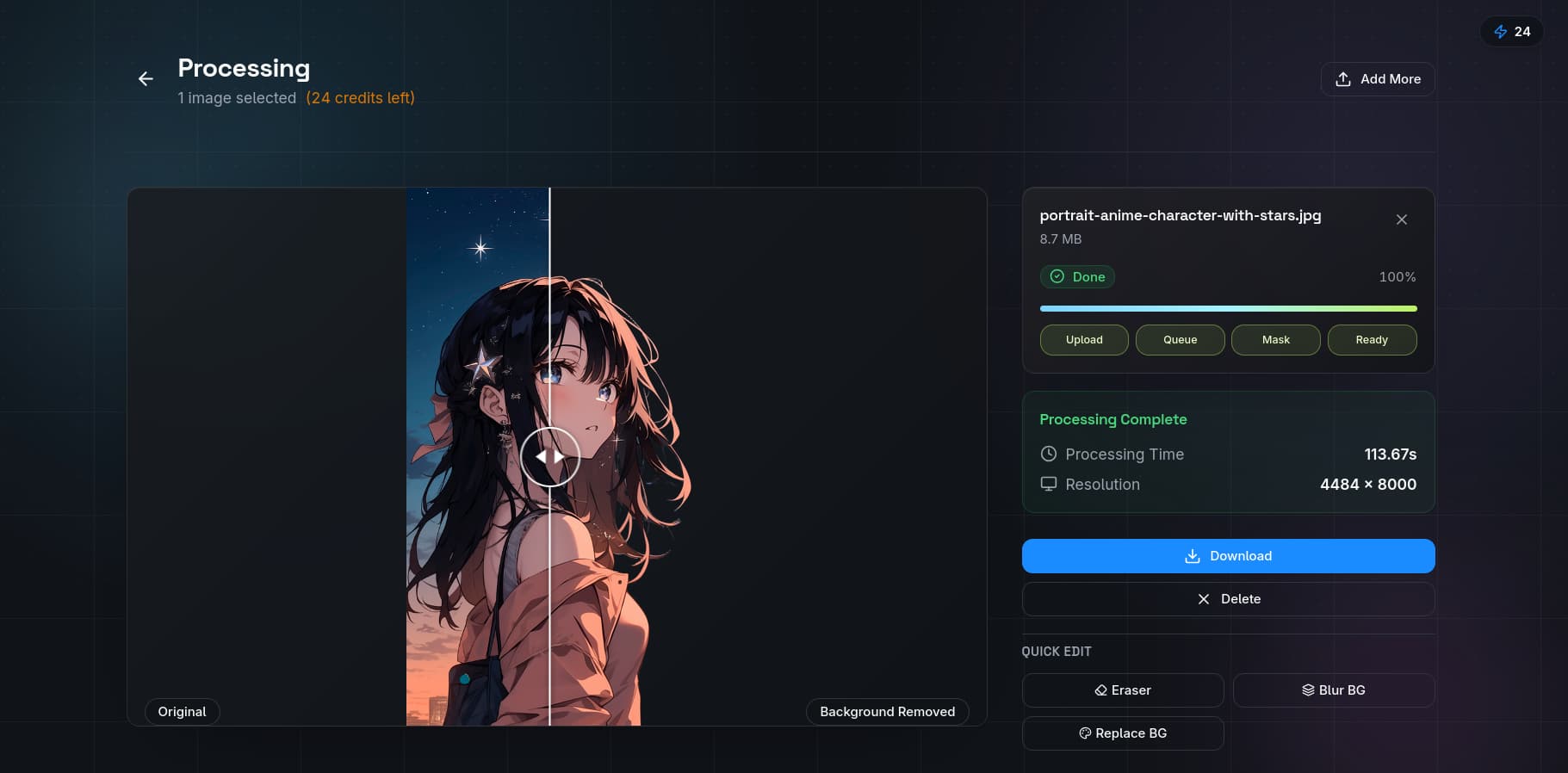
Use QuickBG's background remover to strip distracting environments.
4. Inconsistent Lighting
Apply uniform white balance across every image using adjust tool. Batch-adjust 50 images in under two minutes.
5. Not Using WebP or AVIF
| Format | 100 images | Total weight | Load time (3G) |
|---|---|---|---|
| JPEG only | 26 MB | 26 MB | 6.8 seconds |
| JPEG + WebP | 18 MB | 18 MB | 4.7 seconds |
| WebP + AVIF | 13 MB | 13 MB | 3.4 seconds |
Every extra second of load time reduces conversions by 2.1%. Convert to WebP today.
6. Forgetting Mobile Crop Zones
Keep product face centred in middle 60% of frame. Test every image at 375 x 667 px. Use resize tool for mobile-specific crops.
7. Over-Sharpening
| Level | Visual Quality |
|---|---|
| None | Slightly soft |
| Moderate (radius 0.5, amount 80%) | Crisp, natural |
| Aggressive (radius 2, amount 150%) | Halos, grainy |
Use sharpness tool for safe post-resize sharpening.
8. Saving Logos and Text as JPEG
Always use PNG or lossless WebP for images with text. JPEG artefacts around text edges look unprofessional.
9. Ignoring Colour Space
Export everything for the web as sRGB. Adobe RGB images look desaturated online.
10. No Visual Hierarchy in Composite Images
Use size to indicate importance. Add drop shadows to separate products. Use background blur to focus attention.
Comparison: Optimized vs Unoptimized
| Metric | Unoptimized | Optimized | Improvement |
|---|---|---|---|
| Page weight | 4.2 MB | 1.8 MB | 57% |
| Load time (3G) | 7.1 sec | 2.8 sec | 61% |
| Bounce rate | 42% | 31% | 11% |
| Add-to-cart rate | 5.3% | 7.1% | 34% |
Use QuickBG's tool suite to execute all fixes. Visit our plans page or FAQ.